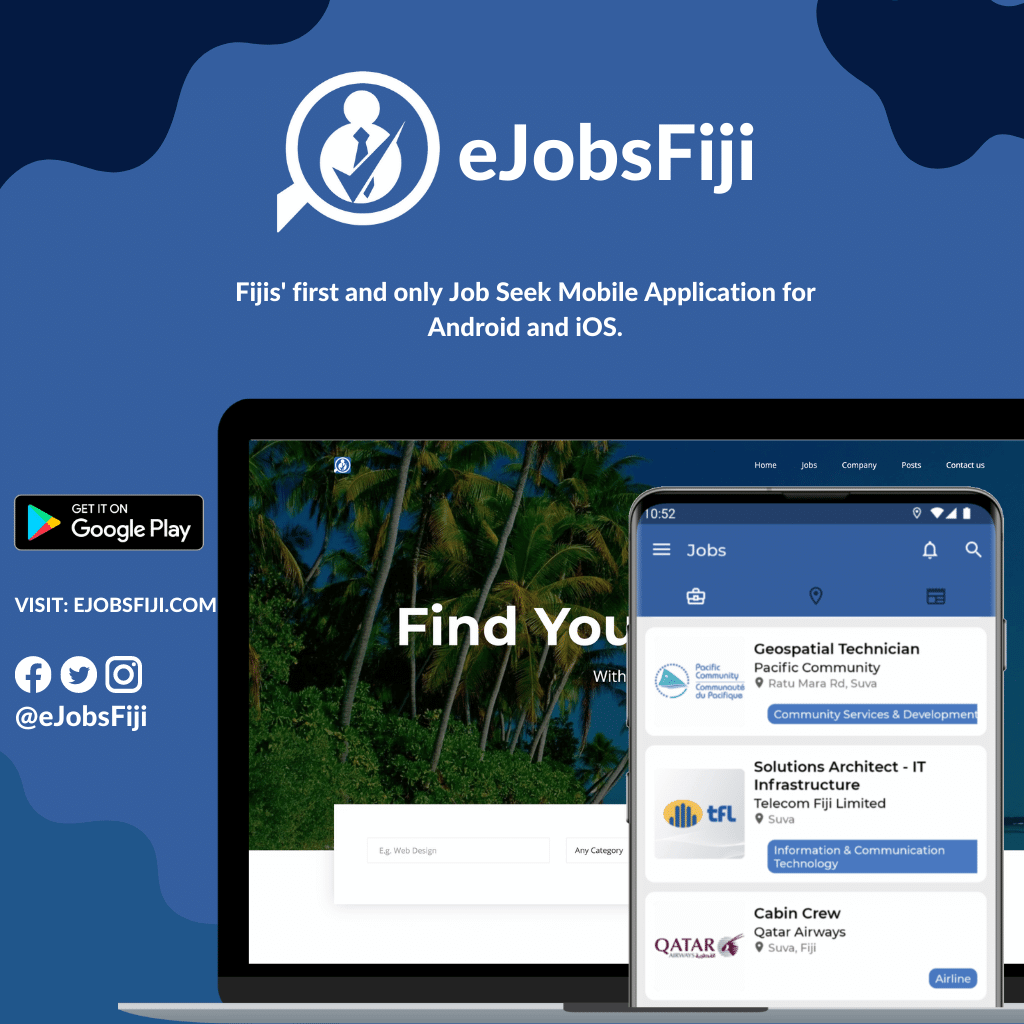
New vacancies are added to eJobsFiji throughout the week, and some of the best roles attract applications within days. The eJobsFiji app puts every listing in your pocket, so you can check for new jobs whenever you have a few spare minutes.
1. Install the app
The eJobsFiji app is free to download from the Google Play Store. It is lightweight and works well on most Android phones, even on slower mobile data.
2. Browse by category
Instead of scrolling through every advert, open the category that fits your skills, such as hospitality, accounting, health, construction or IT. This saves time and helps you notice the roles that are most relevant to you.
3. Use search for specific roles
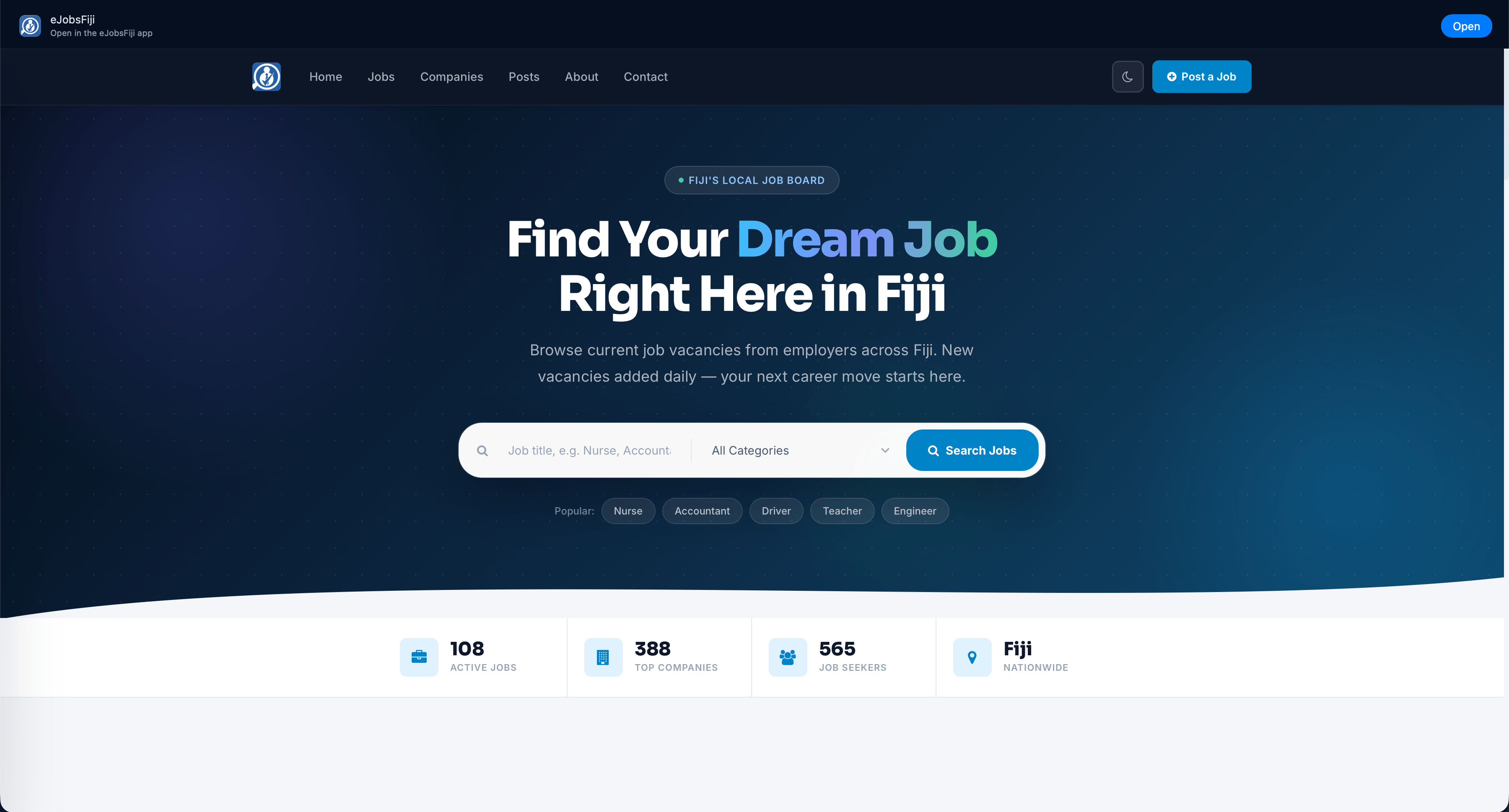
Type a job title or keyword, for example nurse, driver or accountant, to see matching vacancies across Fiji.
4. Read the whole advert before you apply
Each listing includes the employer, location, closing date and how to apply. Many Fiji employers ask for applications by email with a specific subject line, or for particular documents such as certificates or a police clearance. Following the instructions exactly shows employers that you pay attention to detail.
5. Check closing dates
Every listing shows an application deadline. Apply well before it, because some employers start shortlisting as soon as applications arrive.
6. Save jobs to come back to
If you find a role you like but need time to update your CV, save it so you can return to it easily.
7. Keep your documents ready on your phone
Store an up-to-date PDF of your CV, a cover letter you can quickly tailor, and scans of your certificates in a folder on your phone or in cloud storage. That way you can apply as soon as you see the right job.
For employers
Businesses can also advertise vacancies with eJobsFiji to reach job seekers across Viti Levu, Vanua Levu and the outer islands. Contact us to post a job.